
Lifely
Purchase our device: Agrumino Lemon (https://amzn.to/3jIyk37) an open source device programmable with Arduino, thanks to the ESP8266 project, and based on the ESP8266 Wifi Chip;2.
Configure the device.
Find here a quick and easy guide: https://www.lifely.cc/it/setup/;3.
Start using the application.Once the device has been configured, it will be necessary to place it on the ground, and from that moment on it will start receiving all the information.
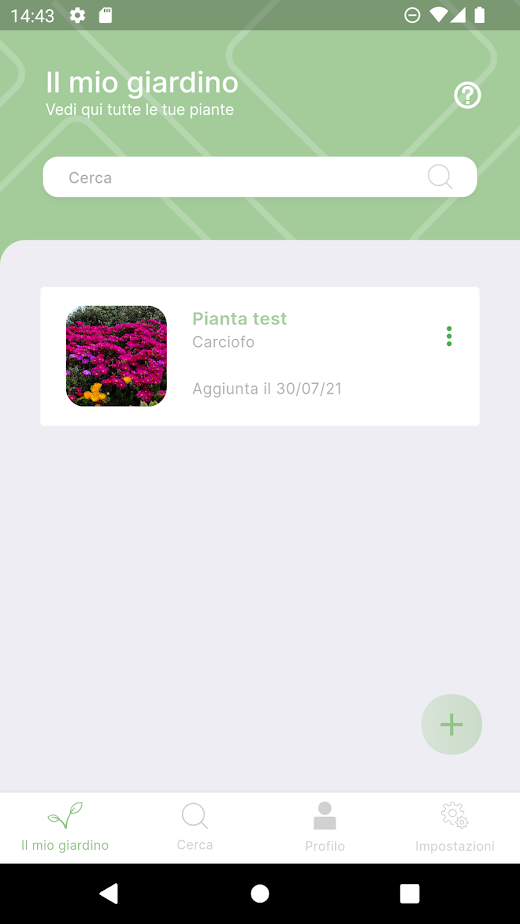
Connecting it to the application will allow the user to check the health of the plants and receive notifications if there are any problems, such as lack of water or high exposure to the sun.Within the application there is a database of over 72 vegetables.
You can find information relating to: fertilization, cultivation, sowing period, irrigation, favorable and unfavorable associations, diseases and vermin and eventualities particularities.LEMON CITRUS FEATURES:• 100% Open Source.• Based on Chip Esp8266, Wifi 2.4 Ghz connection.• Sensor for temperature, soil moisture, water level and brightness.• Mini switch (2 ways) to activate the disabling of the battery charge and I2C• Online data transmission• Reset button and custom button• I2C connector.• Connector for an irrigation pump (Max 3.7 V)• Connector for external power source (max 6.0 V)• GPIO connector with 2 free GPIOs.• Battery holder for Lir2450 (rechargeable and non-rechargeable battery)_______Lifely, a company born in 2015 from the Abinsula orbit, has recently entered the market with a product intended for makers: "Agrumino Lemon", an open source device programmable with Arduino, thanks to the ESP8266 project, and based on the ESP8266 Wifi Chip which allows to monitor some parameters such as: brightness, humidity and soil temperature.
In addition, the device is also expandable thanks to the presence of expansion connectors, called jst ph, which allow the insertion and connection with sensors such as those of water, air, sound, etc.
The expansion connectors are also compatible with the grove standard.
In addition to the version for makers, the company has also created a version intended for consumers, Agrumino Orange, which intercepts a target segment represented by hobbyists who are passionate about botany, interested in purchasing tools and solutions for the care of their vegetable garden or garden.
Unlike the Lemon, the device is closed and already programmed and the user, in order to use it, simply has to insert it on the ground and configure the wi-fi network._______This app was funded through theAID PROGRAM FOR NEW INNOVATIVE ENTERPRISES POR FESR SARDINIA 2014 - 2020for details refer to https://www.lifely.cc/lifely-3-0/
About Lifely
- Package name (App ID)
- cc.lifely.app
- Available on
- Google Play
- Price
- Free
- Developer
- Lifely Srl
Looking for the Lifely APK?
The safest way to get Lifely (cc.lifely.app) on your Android device is to install it directly from Google Play — you'll always get the latest official version, automatic updates, and no risk of modified or infected APK files from third-party sites.

Music Features
Enjoy high-quality music streaming and playback features.
Social Features
Connect and share with friends and the community.
Weather Features
Get accurate weather forecasts and real-time updates.
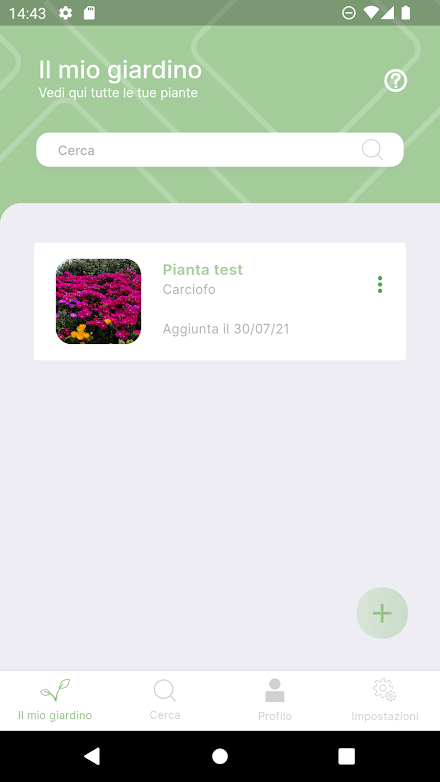
See Lifely in Action


Frequently Asked Questions
Is Lifely free?
Yes, Lifely is free to download and install on Android through Google Play.
How do I install Lifely on Android?
Open Google Play on your Android phone or tablet, search for Lifely by Lifely Srl or tap the Google Play button on this page, then tap Install. The app downloads and installs automatically.
What is cc.lifely.app?
cc.lifely.app is the App ID (package name) of Lifely on Google Play. Every Android app has a unique package name, and it is the safest way to verify you are installing the official app.
Is Lifely safe to download?
Installing Lifely from Google Play is the safest option: you get the official version published by Lifely Srl, verified by Google Play Protect, with automatic updates. Avoid APK files from unofficial third-party sites.

Get Lifely Today
Lifely for Android — free download on Google Play.
Compatible with Android phones and tablets — available on Google Play.
Ask AI about this app
Get instant answers about features, tips and more from popular AI assistants.